v1.0.3
ReadFlow — Reading Progress Bar
What is ReadFlow?
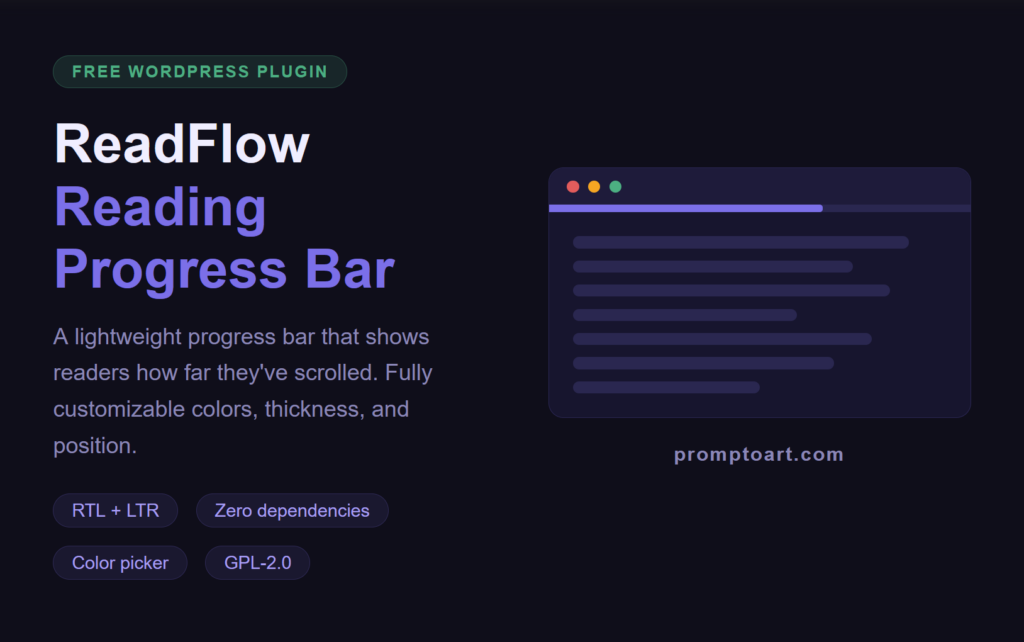
ReadFlow adds a slim reading progress bar to the top or bottom of your WordPress posts and pages. As visitors scroll down, the bar fills up — giving them a clear visual cue of how much content remains. Built with plain CSS and JavaScript, no external libraries required.
Key Features
- Progress bar — appears at the top or bottom of the page and fills as the user scrolls
- Color picker — choose any color for the bar and its background
- Thickness control — adjust from 2px to 10px using a slider
- Position selector — place the bar at the top or bottom of the viewport
- Visibility options — show on all singular pages, posts only, or pages only
- Enable/Disable toggle — turn the bar on or off without deactivating the plugin
- RTL and LTR support — works correctly on Arabic, Hebrew, and all right-to-left sites
- Zero dependencies — no jQuery, no external scripts on the frontend
Why ReadFlow?
Most reading progress plugins are bloated or require jQuery. ReadFlow is built to be as lightweight as possible — a single small CSS file and a single small JavaScript file on the frontend, loaded only when needed.
How to Use
- Install and activate the plugin
- Go to Settings → ReadFlow Progress Bar
- Choose your bar color, background color, thickness, and position
- Select which pages to show the bar on
- Save — the bar appears immediately on the frontend
Settings
| Setting | Description |
|---|---|
| Enable plugin | Turn the progress bar on or off |
| Bar color | Pick any color for the progress indicator |
| Background color | Pick any color for the track behind the bar |
| Thickness | Set bar height from 2px to 10px |
| Position | Top or bottom of the viewport |
| Enable on | All singular pages / Posts only / Pages only |
Requirements
- WordPress 6.0 or higher
- PHP 8.0 or higher
Changelog
v1.0.3 — May 2026
- Fixed color picker not saving correctly
- Fixed RTL progress direction
- Updated tested up to WordPress 6.9
v1.0.0 — May 2026
- Initial release
ReadFlow is free and open source under GPL-2.0. If it helped your site, consider supporting the project.